


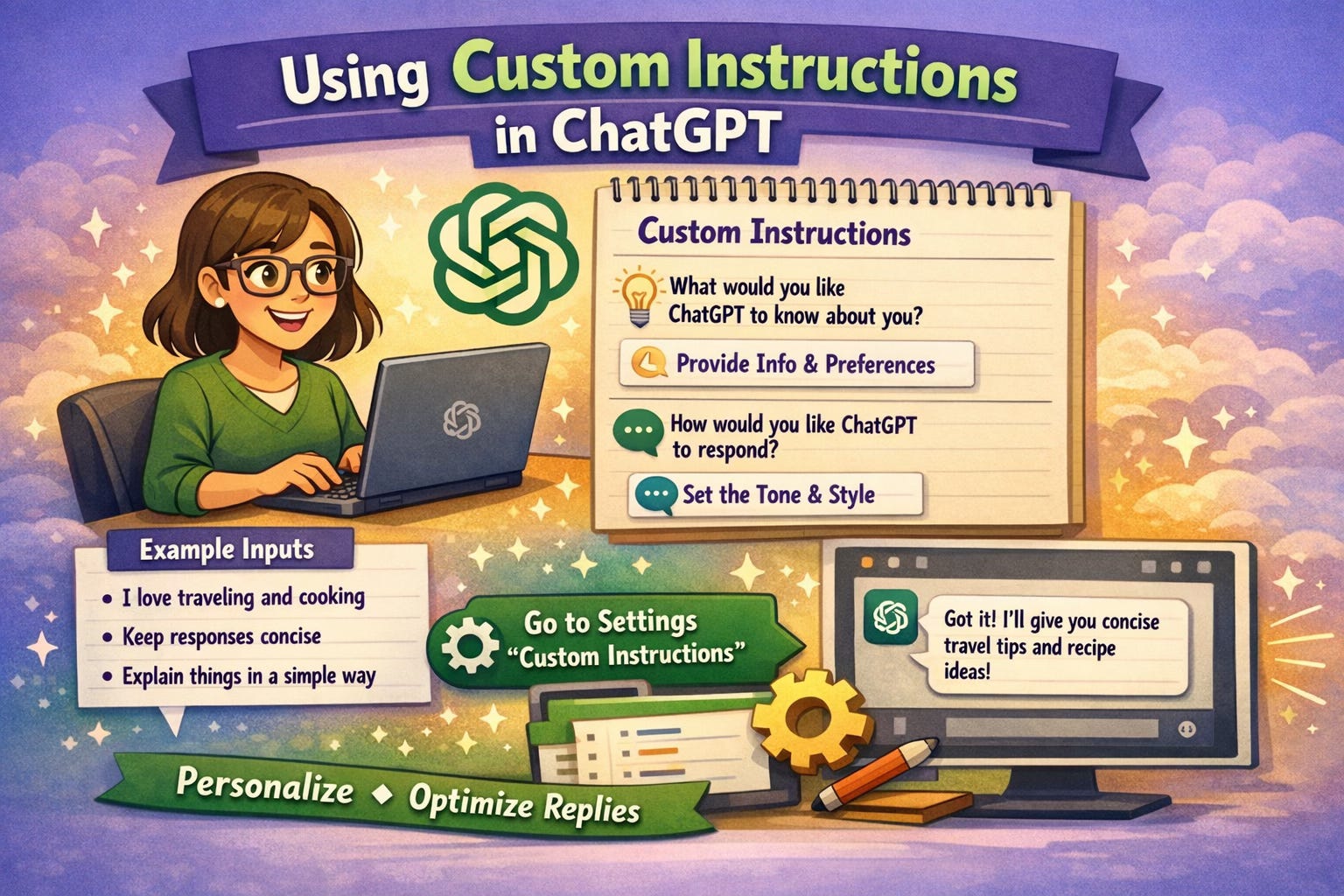
In the fast-paced world of academia, staying ahead of the curve is essential. Artificial intelligence, particularly large language models like ChatGPT, has emerged as a powerful tool for researchers, students, and educators. While many are familiar with using ChatGPT for basic tasks like summarizing articles or brainstorming ideas, a lesser-known feature holds the key to unlocking its full potential for academic work: Custom Instructions.
This post will guide you through the process of crafting and using custom instructions in ChatGPT to streamline your research, enhance your writing, and personalize your AI assistant to your specific academic needs. By the end of this article, you will be equipped to transform ChatGPT from a general-purpose tool into a highly specialized academic partner.
What are Custom Instructions?
Custom instructions are a feature in ChatGPT that allows you to provide the model with specific guidelines and context that it will remember and apply to all future conversations. Think of it as a set of standing orders for your AI assistant. Instead of repeating the same instructions in every prompt, you can set them once and have ChatGPT consistently respond in the desired format, tone, and style.
This feature is available to all ChatGPT users, both free and paid, and can be accessed in your settings. By providing information about your role, research interests, and preferred output format, you can tailor ChatGPT’s responses to be more relevant and useful for your academic work.
Why Use Custom Instructions for Academic Work?
The benefits of using custom instructions for academic work are numerous:
Consistency: Ensure that ChatGPT’s responses consistently adhere to your preferred style, tone, and formatting.
Efficiency: Save time by eliminating the need to repeat the same instructions in every prompt.
Personalization: Tailor ChatGPT’s responses to your specific research interests, field of study, and level of expertise.
Improved Quality: By providing ChatGPT with more context and guidance, you can improve the quality and accuracy of its responses.
How to Craft Effective Custom Instructions
Crafting effective custom instructions is both an art and a science. Here is a step-by-step guide:
Define Your Persona. Start by defining your role and context. Are you a graduate student working on a dissertation? A professor designing a course? A researcher conducting a literature review? Providing this information to ChatGPT will help it understand your needs.
Specify Your Goals. Clearly articulate what you want to achieve with ChatGPT. Are you looking for help with brainstorming, writing, data analysis, or something else?
Set the Tone and Style. Specify the desired tone and style of ChatGPT’s responses. Do you prefer a formal, academic tone or a more conversational style? Do you want responses to be concise or detailed?
Provide Examples. One of the most effective ways to guide ChatGPT is to provide it with examples of the desired output. You can include snippets of your own writing or examples from other sources.
Iterate and Refine. Crafting the perfect set of custom instructions is an iterative process. Don’t be afraid to experiment with different instructions and see what works best for you.
